Skip to main content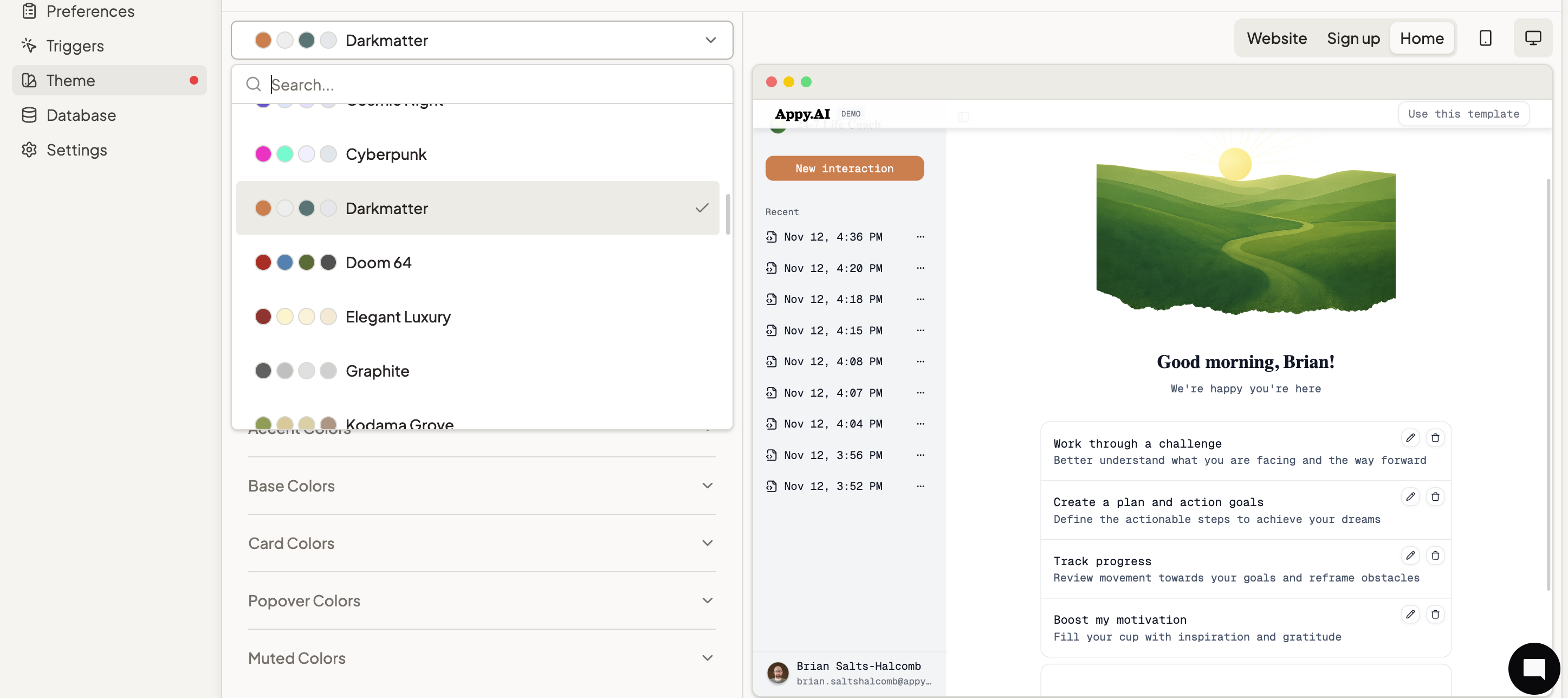 Your appearance settings create a consistent visual experience from your website through signup, preferences, and the full agent interaction. Every touchpoint reflects your unique brand identity, ensuring a professional, cohesive experience for your customers.
Customization Options
Primary Color & Theming
Choose from pre-designed color palettes for instant professional looks. Your theme sets your primary color, tint, and heading and body fonts.
Modify color, typography, and style.
Visual Assets
- Agent Image: Upload a custom image that represents your agent across your website, signup pages, and customer interactions
- Agent Icon: Add a distinctive icon that appears throughout the interface for instant brand recognition
- Universal Application: Images persist across your entire experience - website, signup, home page, and anywhere visual representation is needed
Website Description
Your agent description, displayed on your website, can also be modified through your Agent Settings
Real-Time Preview
Live Preview System
- Instant Visualization: See changes immediately as you make them in the preview panel
- Multiple Views: Preview your customizations across Website, Signup, and Home page views
- Interactive Testing: Click elements in the preview to see how they’ll look and function for your customers
Easy Image Management
- Click to Replace: Simply click on preview images to upload new ones
- Instant Updates: Changes are immediately reflected across all touchpoints
- Format Flexibility: Upload various image formats to match your existing brand assets
Initial Customer Screen
Beyond visual theming, enhance your customers’ starting experience so they know how to best use the agent.
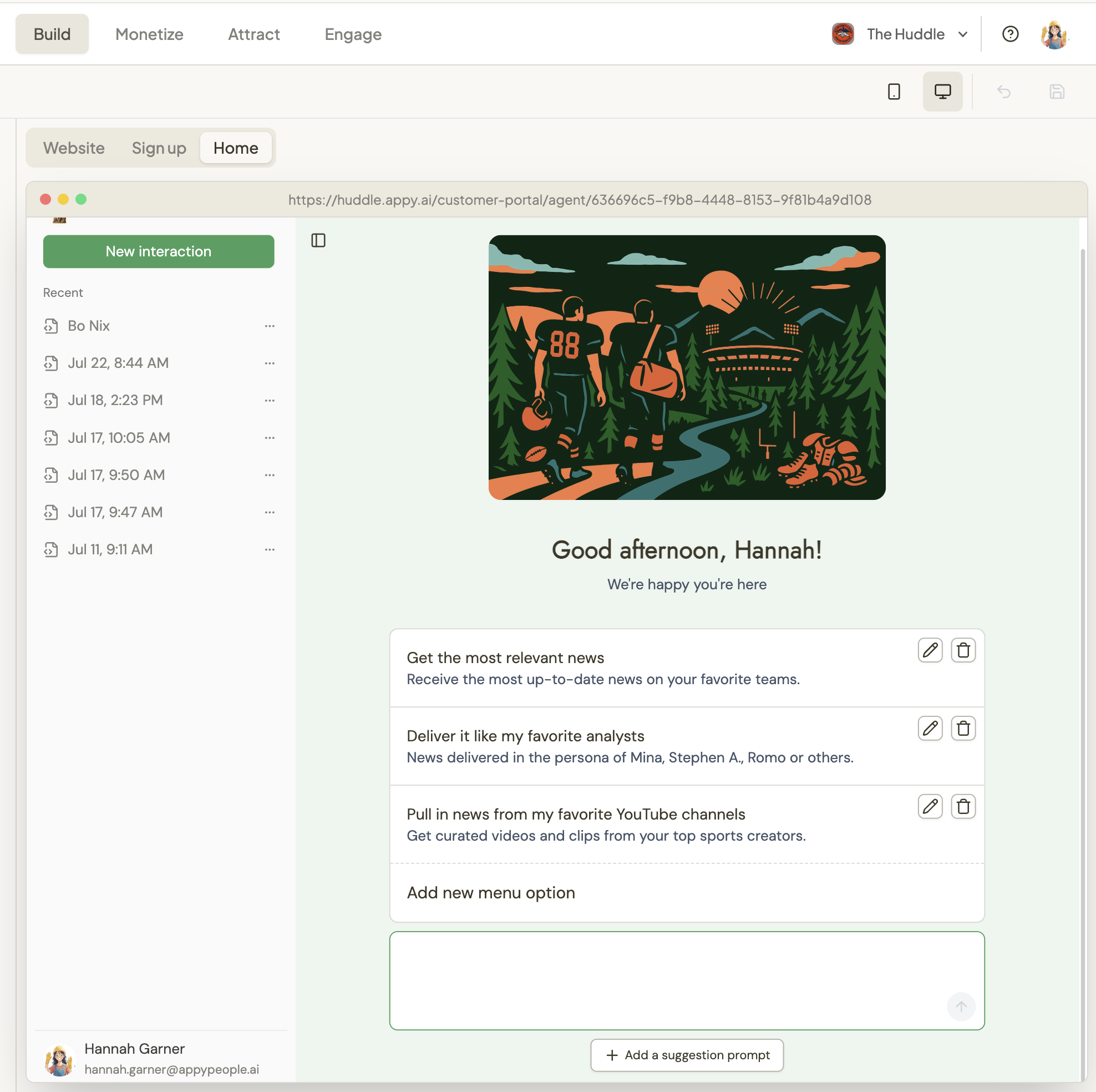
- Repeatable Actions: Create shortcuts for common tasks your customers perform regularly
- Value Anchors: Help subscribers understand the key actions they can take with your agent
- Quick Access: Reduce friction by providing direct paths to popular features
Prompt Suggestions
- Eliminate Zero State: Ensure customers always have a starting point when they arrive
- Guided Engagement: Suggest high-value interactions that demonstrate your agent’s capabilities
- Instant Value: Help users get meaningful results from their first interaction
- You can add a maximum of four (4) menu options and four (4) prompt suggestions.
- Custom menu options and prompts are only available for user-initiated triggers
- If using automated triggers like email or recurring schedule, menu options won’t display
- “Make my primary color navy blue and use a modern sans-serif font”
- “Add a menu option that says ‘Analyze my data’”
- “Create prompt suggestions for first-time users”
- “Change my agent icon to [uploaded image]”
Violet updates your theme settings and you’ll see changes in the preview panel instantly.
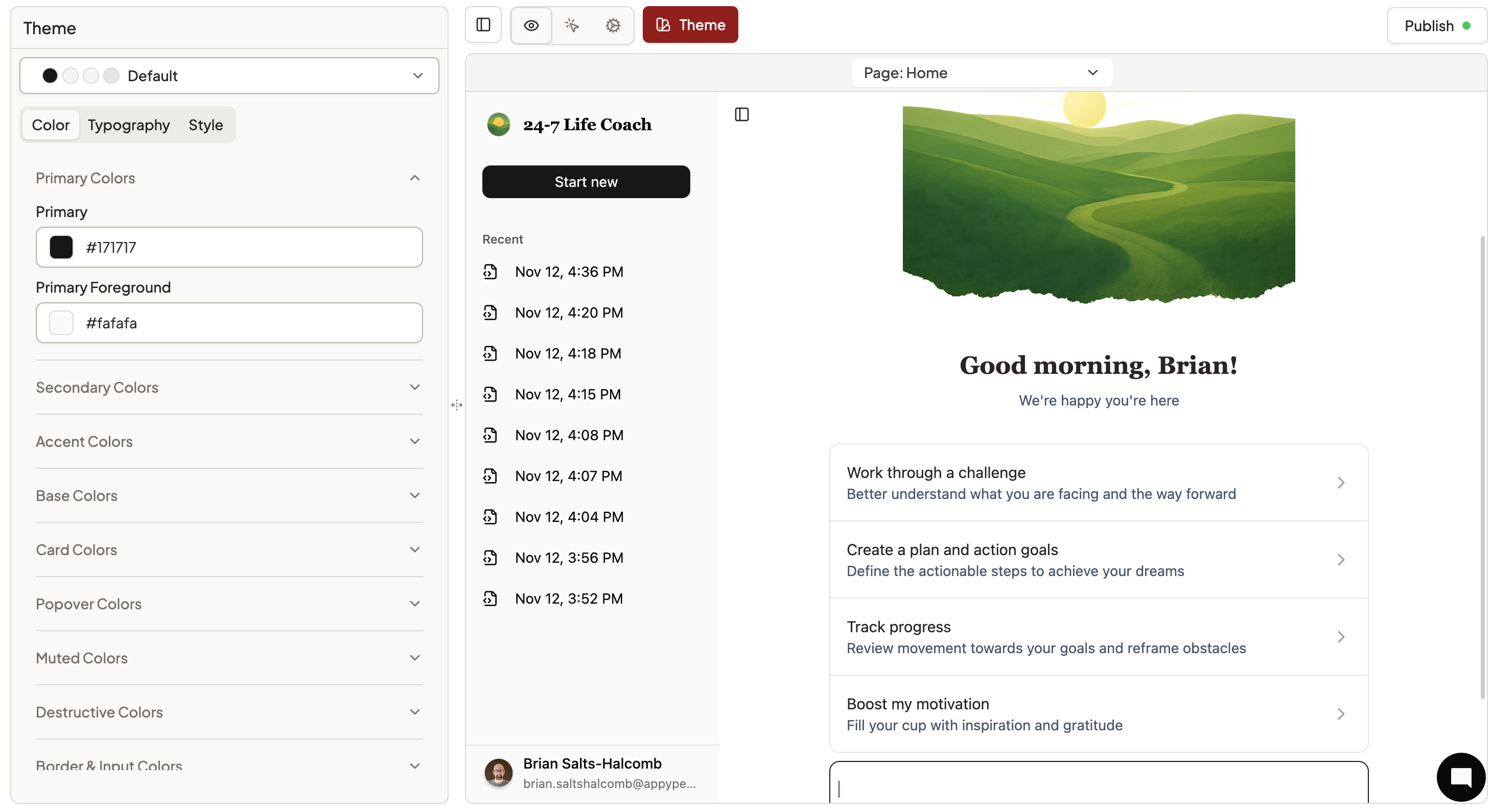 Access theme settings directly through Theme:
- Select your Color Theme from pre-designed palettes
- Upload your Agent Image and Agent Icon by clicking on them in the preview panel
- Preview changes across all pages
- Save when satisfied with your customization
Getting Started
- Go to Theme in your agent preview
- Select your Color Theme
- Upload your Agent Image and Agent Icon through the preview panel
- Add Custom Menu Options and Prompt Suggestions for your home page
Testing Your Changes
- Use the Preview panel to see changes in real-time
- Test the Website, Signup, and Home views
- For published agents, visit
https://yourorg.appy.ai to see live changes
- Unpublished agents can still preview signup and home experiences

