

User Initiated
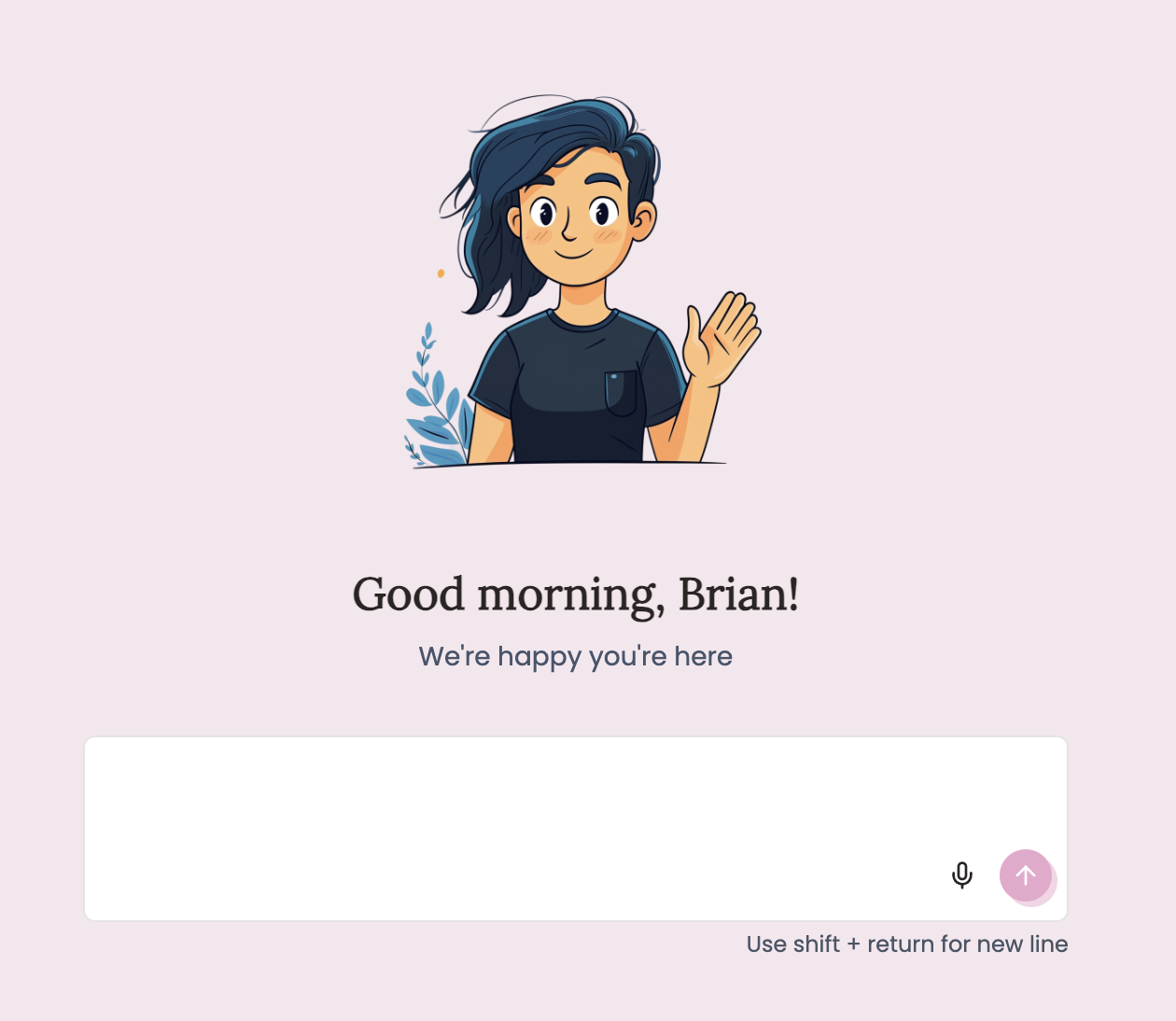
Recurring Schedule
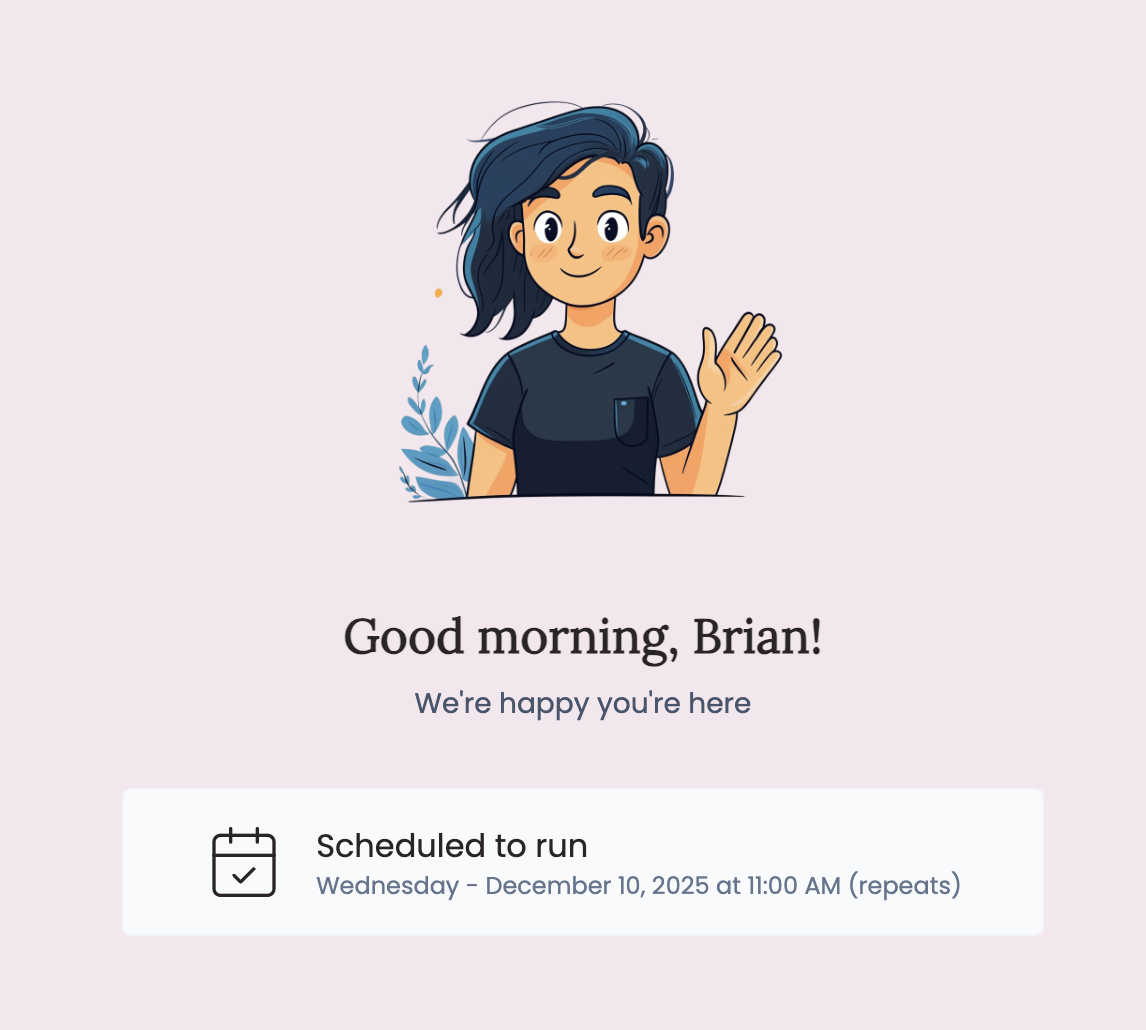
Schedule Options
- Date & Time: Choose when to start the recurring schedule
- Frequency: Daily, weekly, or monthly execution
- Timezone: Automatically uses your account timezone (MDT shown in example)
Email Triggers
Turn any email into an agent activation. When someone sends an email to your agent’s unique address, it automatically triggers a new execution using the email content as input. Email Address: AppyAI generates a unique email address for your agent (likesamuraize-4elX2z@mail.appypeople.ai). You can share this with clients or use it in automated workflows.
Use Case Example: A content summarization agent that automatically processes and responds to articles or documents sent via email.
Combining Triggers
You can enable multiple triggers for the same agent. For example, a reporting agent might run automatically every week but also allow users to manually request reports when needed.Configure with Violet (Chat)
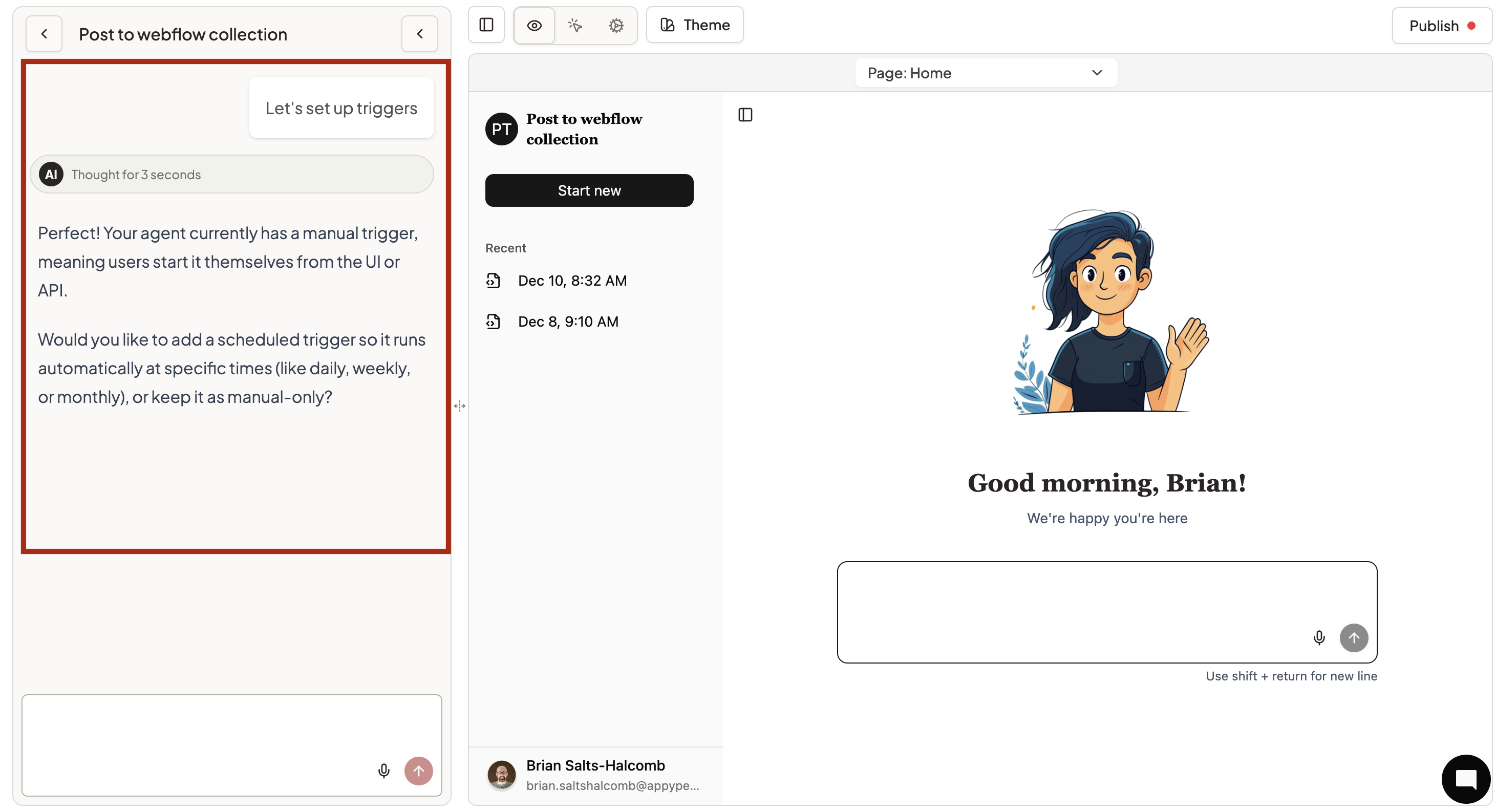
- “I want my agent to send a daily report every morning at 8am”
- “Enable user chat and also run a weekly summary on Mondays”
- “Change my daily schedule to 6am instead of 8am”
Configure Manually
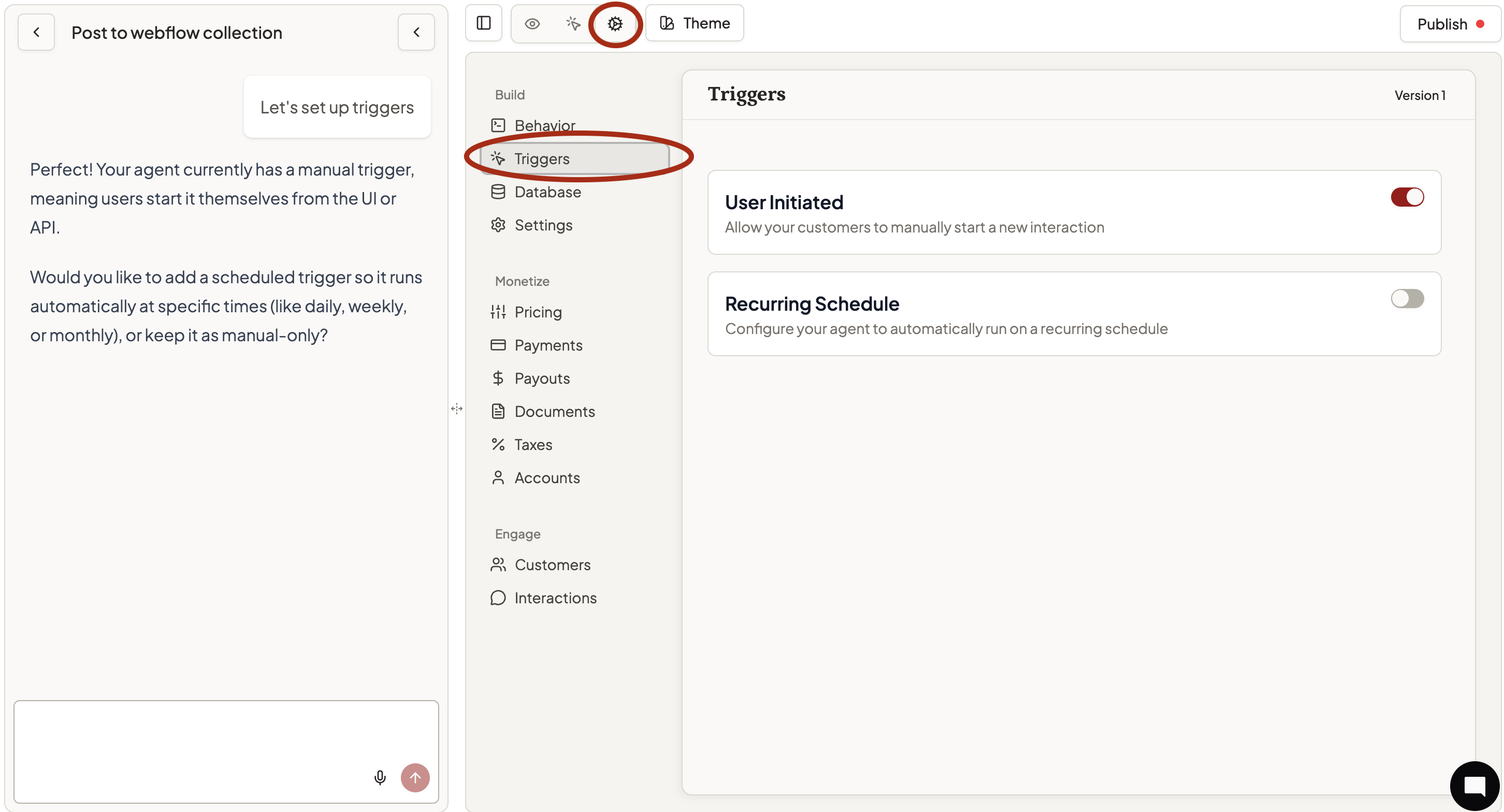
- Toggle desired trigger types on/off
- For recurring schedules, set date, time, and frequency
- Copy email addresses for email triggers (when available)
- Save your changes
Getting Started
- Most agents start with User Initiated for basic chat functionality
- Add Recurring Schedule for routine tasks that need to happen regularly
- Test with Preview to verify trigger behavior works as expected